
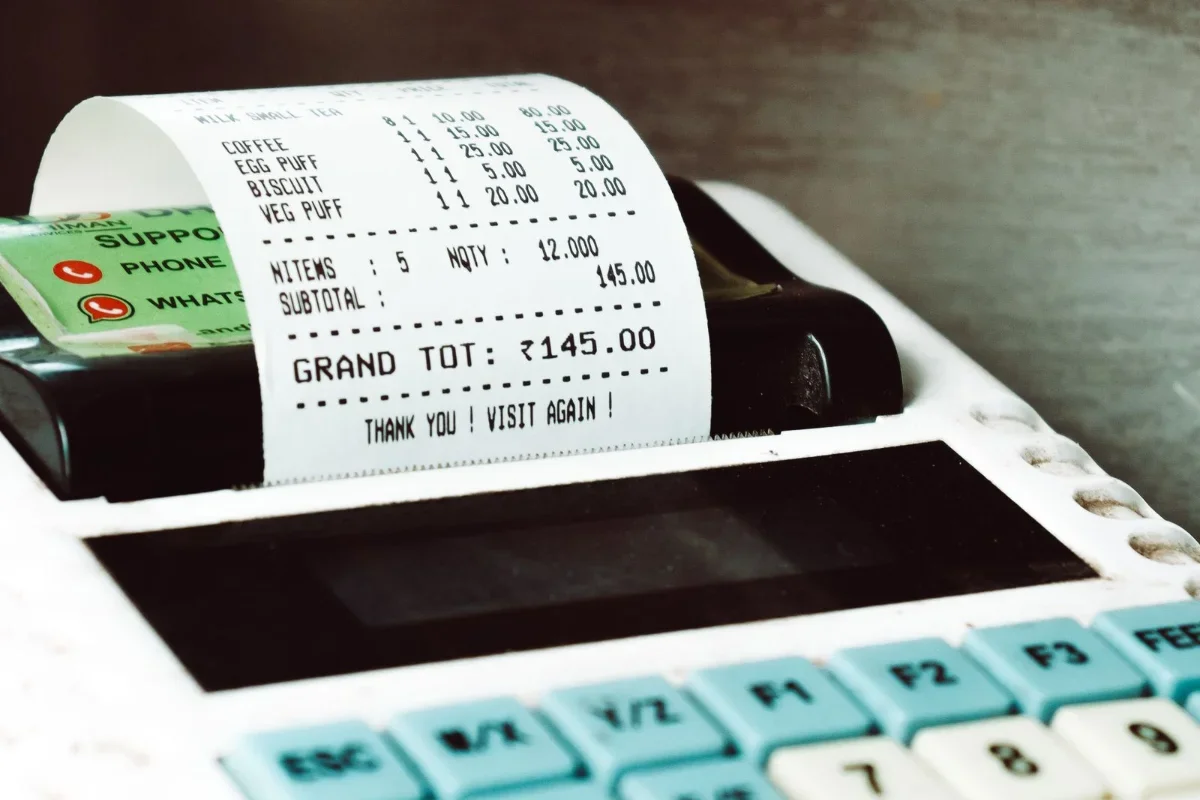
If you run a business in Uganda, you have almost certainly heard the word EFRIS, whether from your accountant, a supplier, a large customer asking for "an EFRIS invoice", or a Uganda Revenue Authority (URA) notice. Yet many business owners remain unsure what EFRIS actually is, whether it applies to them, and how to use it without slowing down sales at the counter. Some see it simply as another tax burden. In reality, when it is set up properly, EFRIS can also bring cleaner records, fewer disputes and better control over stock and cash. This guide explains EFRIS in plain language so you can make sensible decisions for your business.
What is EFRIS?
EFRIS stands for Electronic Fiscal Receipting and Invoicing Solution. It is a system operated by URA that records business sales invoices and receipts electronically, in real time or close to it. Traditionally, a business could write a paper receipt that URA never saw, and tax authorities relied on businesses declaring their sales honestly at the end of the month. With EFRIS, every qualifying sale is transmitted to URA and given a unique fiscal document number, a verification code and a QR code. Anyone, including the customer, can scan that code to confirm the receipt is genuine and registered with URA.
URA's goals are to make tax reporting more accurate, reduce fake and inflated invoices, make Value Added Tax (VAT) claims easier to verify and broaden the tax base. For honest businesses, EFRIS also produces a clean digital record of every sale, which can reduce disputes with URA and make preparing tax returns faster.
Who needs to use EFRIS?
URA has rolled out EFRIS in phases. VAT-registered taxpayers were the first group required to issue e-invoices and e-receipts, and URA has since extended requirements to other categories of businesses, including some that are not registered for VAT. Deadlines and categories have changed over time, so the safest approach is to check your own obligations rather than relying on what another business owner tells you:
- Log in to the URA web portal and look for any EFRIS notices or requirements tied to your Tax Identification Number.
- Read the latest public notices on the official URA website.
- Ask your tax adviser or URA's contact centre to confirm, ideally in writing.
Even if you are not yet legally required to use EFRIS, there is a strong commercial reason to consider it. Many large buyers, government entities, NGOs and corporate clients now insist on EFRIS invoices from suppliers, because they need valid e-invoices to claim input VAT. A supplier who cannot provide one may lose contracts to competitors who can. If you do not have a TIN yet, see how to register for a TIN online.
How EFRIS works in practice
At its core, the process works like this. First, you register your business on EFRIS through the URA portal and set up your goods or services, assigning each item the correct commodity code, unit of measure and tax rate. Second, you make a sale and your invoicing tool, whether the URA portal, a fiscal device or your own system, sends the sale details to URA. Third, URA responds with a fiscal document number and verification code, which are printed on the receipt or invoice together with a QR code. Fourth, the customer can verify the document by scanning the QR code or checking the number through URA's verification channels. Finally, your sales data feeds into your tax records, reducing manual reconciliation at month end.
For businesses selling goods, EFRIS also tracks stock. When you purchase or import goods, you record them as stock increases, and each sale reduces stock. If your EFRIS stock records show you selling far more of an item than you ever purchased, that mismatch can raise questions. This makes good inventory management essential; see our guide to inventory management software.
The main ways to connect to EFRIS
URA offers several ways to use EFRIS, so that a consultant issuing a few invoices a week and a supermarket processing thousands of sales a day can both comply.
1. The URA web portal
You can create invoices directly in the EFRIS section of the URA portal using a browser. This suits service businesses and consultants with a small number of invoices per day. It requires internet every time you issue an invoice, and it is too slow for fast retail environments where items are sold quickly at a counter.
2. Electronic Fiscal Devices (EFDs)
An EFD is a dedicated machine, similar to a receipt printer with built-in software, that connects to EFRIS. It suits small retail outlets that want a simple counter device without a computer. Always buy from suppliers accredited by URA, and confirm what support they provide.
3. The offline enabler
Internet outages are a reality in many parts of Uganda. URA provides an offline enabler solution that allows compatible systems to keep issuing fiscal receipts when the connection drops, then synchronise the records with EFRIS when connectivity returns. For busy shops, this is critical; without it, sales could stop every time the network goes down.
4. System-to-system integration
Larger businesses usually connect their own point of sale (POS), ERP or accounting software directly to EFRIS through an application programming interface (API). Every sale is sent automatically the moment it happens, with no double entry, and fiscal details print on the normal receipt. This is the most efficient option for businesses already using business software. If the term API is new to you, see what an API is.
Common EFRIS mistakes to avoid
Wrong product codes or tax rates. If an item is classified incorrectly during setup, every invoice for that item will carry the wrong tax treatment. Take time during setup to review your goods and services list carefully, ideally with your accountant.
Not recording stock purchases. Businesses sometimes start issuing EFRIS receipts without recording opening stock or new purchases. EFRIS then shows negative stock, which can trigger questions.
Issuing manual receipts "for now". Mixing handwritten receipts with electronic ones creates gaps that are hard to explain and undermines the clean records EFRIS is meant to provide.
Ignoring credit notes. When goods are returned or an invoice contains an error, issue a credit note through EFRIS instead of simply cancelling or deleting records.
Depending on a single staff member. If only one cashier knows how EFRIS works, sales may stop when they are absent. Train several people.
How to make EFRIS painless for your team
The businesses that struggle most with EFRIS are those that treat it as an extra job on top of their normal sales process, typing each sale twice. The businesses that cope best build EFRIS into their existing process. When a POS or invoicing system is integrated with EFRIS, the cashier simply sells as usual and the fiscal receipt prints automatically. When choosing a system, ask these questions:
- Is it integrated with EFRIS, and does it support the offline enabler?
- Does it manage stock so your EFRIS stock levels stay accurate?
- Can it issue credit notes and handle returns correctly?
- Does it produce daily and monthly reports your accountant can use?
- Is there responsive local support in Uganda if something goes wrong?
Our Baasa POS system was built for Ugandan shops, supermarkets, hardware stores, bars and restaurants, and our team can help you plan how sales, stock and receipting fit together. Read how to choose a POS system in Uganda, or see our custom systems service for unique requirements.
Frequently asked questions
Is EFRIS only for VAT-registered businesses?
It began with VAT-registered businesses, but URA has extended it to other categories over time. Check your status on the URA portal or with a tax adviser.
Can I use EFRIS without internet?
You need a connection to synchronise with URA, but the offline enabler and some fiscal devices let you continue issuing receipts during outages and upload them later.
How can a customer confirm my receipt is genuine?
By scanning the QR code on the receipt or entering the fiscal document number through URA's verification service.
Does EFRIS replace my accountant?
No. EFRIS makes sales records cleaner, but you still need professional help with expenses, returns, tax planning and compliance.
Tax rules change regularly. Always confirm current EFRIS requirements with URA or a qualified tax adviser.


