
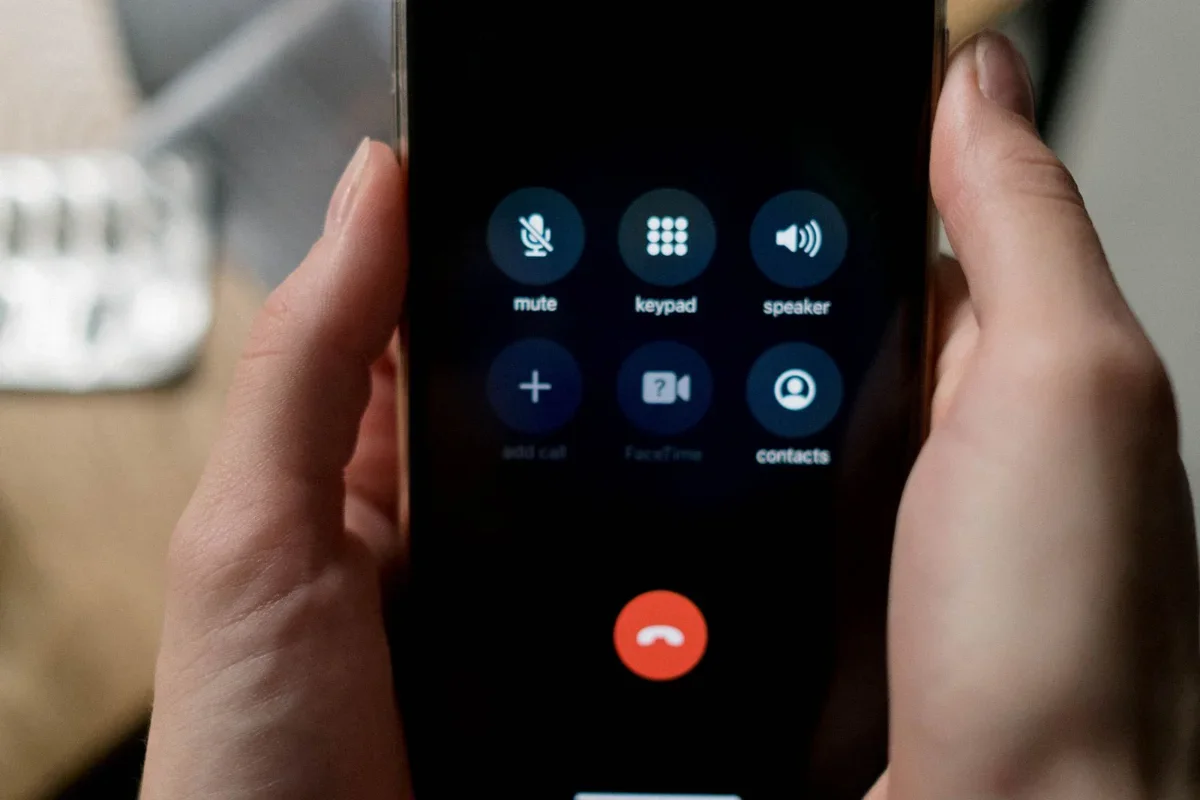
If your phone buzzes every day with betting promotions, music subscription offers, "congratulations, you have won" messages, fake Mobile Money notifications and calls from numbers you do not recognise, you are far from alone. Spam and scam messages are a daily nuisance for phone users across Uganda. Some are merely irritating; others are designed to steal your money or personal information. The good news is that both Android and iPhone include tools to cut down unwanted calls and messages, operators offer ways to opt out of promotions, and reporting scammers helps protect others. This guide explains what to watch for and exactly what to do.
Recognise the common scam messages
Fake Mobile Money messages. You receive an SMS that looks like a Mobile Money notification saying you have received, for example, UGX 150,000. Shortly after, someone calls, claiming they sent it by mistake and begging you to send it back. In reality, no money arrived; the SMS came from an ordinary number. Always check your actual balance through the official Mobile Money menu or app before reacting to any "money received" message.
Prize and promotion scams. Messages claim you have won a car, phone or cash in a promotion you never entered, and ask you to pay a "processing" or "clearance" fee to receive it. Genuine promotions do not ask winners to send money.
Impersonation. Callers pretend to be from MTN, Airtel, your bank, URA, the police or even a relative in trouble, creating urgency to pressure you into sending money or revealing your PIN.
Phishing links. SMS messages contain short links asking you to "verify your account", "claim your reward" or "update your details", leading to fake websites that steal login information.
Two rules protect you from most of these: genuine providers will never ask for your PIN, and money sent to you by mistake is reversed by the provider through official processes, not by you sending money to a stranger.
Block a specific number
Android
Open the Phone app, find the number in your recent calls, tap and hold it (or tap it and then the information icon), and choose Block or Block/report spam. For text messages, open the Messages app, open the conversation, tap the menu or the contact details, and choose Block. Exact wording varies between Samsung, Tecno, Infinix and other brands, but the option is usually in the same place.
iPhone
In the Phone app, tap the small "i" next to the number in Recents, then tap Block this Caller. For messages, open the conversation, tap the contact name or number at the top, then Info, and choose Block this Caller. Blocking applies to calls, messages and FaceTime from that number.
Turn on built-in spam protection
Many phones can identify and filter likely spam automatically. In the Google Phone app on Android, go to Settings, Caller ID and spam, and turn on Filter spam calls. In Google Messages, go to Settings, Spam protection, and switch it on. Samsung phones have a similar option under Phone, Settings, Caller ID and spam protection. On iPhone, go to Settings, Phone, and turn on Silence Unknown Callers, which sends calls from numbers not in your contacts straight to voicemail while still listing them in Recents. In Settings, Messages, turn on Filter Unknown Senders to separate messages from unknown numbers into their own list.
Use these filters thoughtfully. If you regularly receive calls from new customers, delivery riders or job recruiters, silencing all unknown callers could cause you to miss important calls.
Stop promotional messages from your network
Many promotional SMS messages come from your mobile network or its content partners, offering betting, music, news, ringtones or other value-added services. Some of these subscriptions quietly deduct airtime. To reduce them:
- Reply STOP to promotional short codes where the message offers that option.
- Check your subscriptions in the operator's app, such as MyMTN or My Airtel, or through the operator's menus, and unsubscribe from any value-added services you did not knowingly request.
- Call customer care and ask to be opted out of promotional messages and to remove unwanted subscriptions.
Short codes and menu options change from time to time, so the operator's official app or customer care is the most reliable source for current instructions. Note that you can usually opt out of promotions but not essential service messages.
Report scammers
Reporting helps networks block fraudulent numbers and protects others. Report scam calls and messages to your mobile network through customer care or official fraud reporting channels. The Uganda Communications Commission (UCC) also accepts complaints about telecom fraud and spam through its official channels. If you lost money, report to the police as soon as possible and contact your mobile money provider immediately; see how to report cybercrime in Uganda. Keep screenshots of messages and details of numbers as evidence.
Reduce how often your number leaks
Spammers obtain numbers in many ways, so limit exposure. Avoid posting your personal number publicly on social media. If you advertise a business, use a separate business line. Be careful entering your number into competitions, unknown websites and loan apps, which may share or sell data. In WhatsApp, adjust privacy settings so only your contacts see your profile photo and details.
Frequently asked questions
Can blocked numbers still leave voicemail?
On some phones and networks, yes, but you will not be notified. You can review or delete these messages.
Why do I keep getting messages from my own network?
Operators send service updates and promotions. You can opt out of most promotions but not essential service messages.
Is it safe to call back a missed international number?
Avoid calling back unknown international numbers. Some are "wangiri" scams designed to charge you high call rates.


