
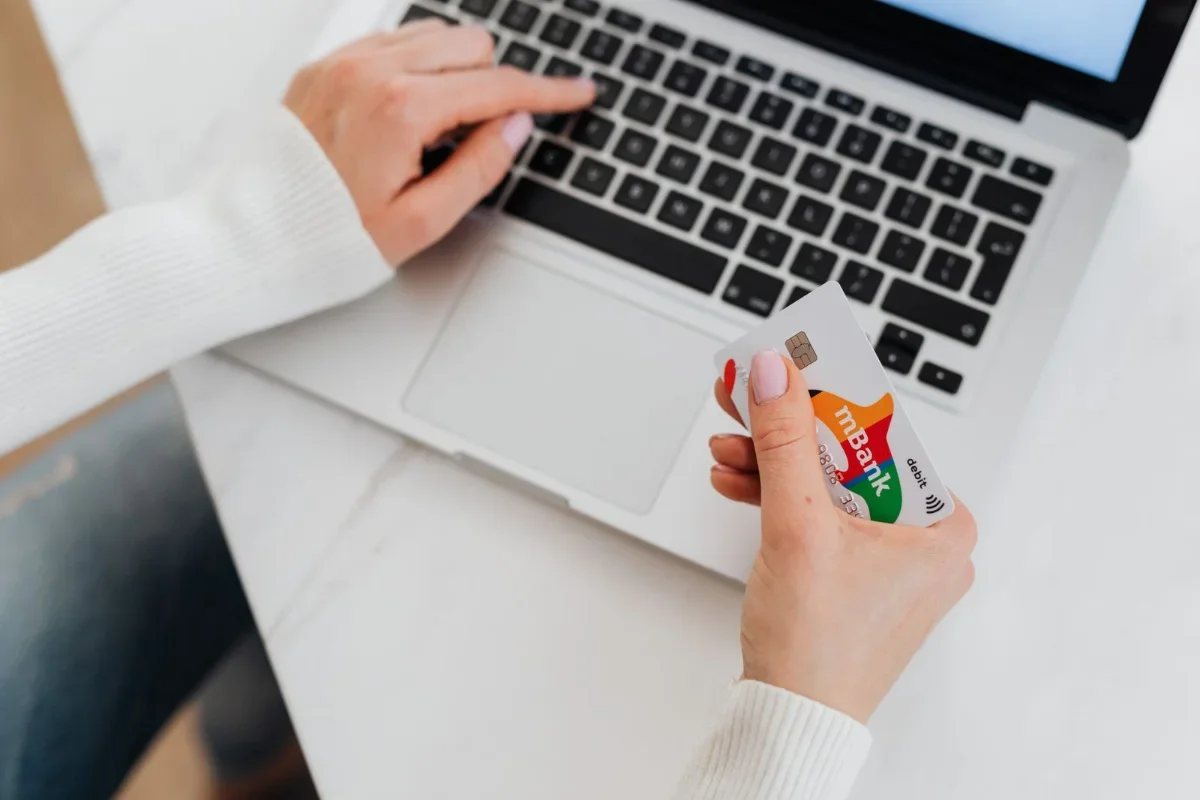
Online shopping and booking are growing fast in Uganda. People buy phones, laptops, fashion, furniture and car parts online, book hotel rooms and bus tickets, pay for courses and university applications, and order from Instagram and TikTok shops. Unfortunately, criminals follow the money. They build convincing fake websites, clone the sites of real companies, create social media "shops" with stolen product photos and run adverts promising unbelievable discounts. Victims pay by Mobile Money or card, and the goods never arrive, or something worthless is delivered. Before paying any website or online seller you have not used before, a few minutes of checking can save you a lot of money. This guide explains the practical checks anyone can do.
1. Check the web address carefully
Scammers often register addresses that look almost identical to real ones, with a letter changed, an extra word added or a different ending. For example, a fake might add "-ug-deals" to a well-known brand name or swap two letters. Read the address in your browser's address bar slowly. Be cautious with long, complicated addresses and unusual domain endings. Whenever possible, type the address of a known company yourself or use a bookmark, rather than clicking links in WhatsApp messages, SMS or adverts.
2. Check how old the domain is
Fraudulent websites are usually very new, because they get reported and shut down, and the criminals move on to new addresses. Use a WHOIS tool, such as our free WHOIS lookup, to see when the domain was registered. If a shop claims to have served customers for ten years but its domain was registered last month, that is a major red flag. Read what WHOIS shows to understand the information.
3. Look for HTTPS, but do not rely on it alone
A padlock icon and an address starting with "https://" mean the connection between your browser and the website is encrypted, which is essential when entering payment or personal details. However, criminals can obtain SSL certificates for free too. The padlock tells you the connection is private, not that the business behind the site is honest. You can inspect a site's certificate with our SSL checker, but treat HTTPS as a minimum requirement, not proof of legitimacy.
4. Verify the contact details
Legitimate businesses make it easy to reach them. Check for a physical address and look it up on Google Maps; does a real business appear there? Call the phone number and see whether a real person answers and can answer questions. Check whether the email address uses the company's own domain rather than a free Gmail or Yahoo address. Look for a registered company name that you can verify with the Uganda Registration Services Bureau.
5. Search for independent reviews
Search the website or seller name together with words like "reviews", "scam" or "complaint". Look at Google reviews, Facebook comments, Reddit and local forums. Be cautious if every review is perfect and generic, if many were posted on the same day, or if the only reviews are on the website itself, where they can easily be faked.
6. Examine social media pages critically
Many scams operate through Facebook, Instagram and TikTok. Warning signs include pages created very recently, large follower counts with very little genuine interaction, comments switched off to hide complaints, and frequent name changes. On Facebook, the "Page transparency" section shows when a page was created and whether its name has changed.
7. Beware of prices that are too good to be true
A brand-new iPhone at half price, designer clothes at market-stall prices or huge "clearance sale" discounts are classic bait. Legitimate sellers cannot sustain prices far below cost. If the deal seems unbelievable, it probably is.
8. Check how you are asked to pay
For a first purchase from an unknown seller, prefer pay-on-delivery or payment through a recognised payment gateway on the website. Be very wary when asked to send money to a personal Mobile Money number registered in a different name from the business. Never pay "delivery fees", "clearance charges" or "insurance" upfront to unknown sellers for goods you have not seen. Card payments sometimes offer dispute options through your bank; Mobile Money transfers to individuals are much harder to reverse.
9. Look at the quality of the website
Poor spelling and grammar, low-quality or copied product images, missing pages for returns, delivery, terms and privacy, broken links and generic text are common on hastily built scam sites. Legitimate businesses usually provide clear policies on delivery times, returns and refunds.
10. Trust your instincts
Pressure tactics, such as "only two left, pay now", refusal to let you inspect goods before payment, excuses about why you cannot visit the shop, or sudden changes in payment instructions all suggest a scam. It is better to lose a deal than lose your money.
If you have been scammed
Contact your Mobile Money provider or bank immediately to try to block the transaction. Collect evidence, report to the police, report the website to its hosting provider and the social media page to the platform, and warn others. See how to report cybercrime in Uganda.
For business owners: help customers trust you
If you sell online, make trust easy: use your own domain and HTTPS, show clear contact details and a physical address, display genuine reviews, publish clear policies and offer secure payment options. Read how to build trust with online shoppers in Uganda.
Frequently asked questions
Is a website safe just because it has a padlock?
No. The padlock means the connection is encrypted, not that the seller is trustworthy.
Are Instagram and TikTok shops safe?
Many are genuine, but verify the seller, prefer pay-on-delivery or meet in safe public places for first orders.


