
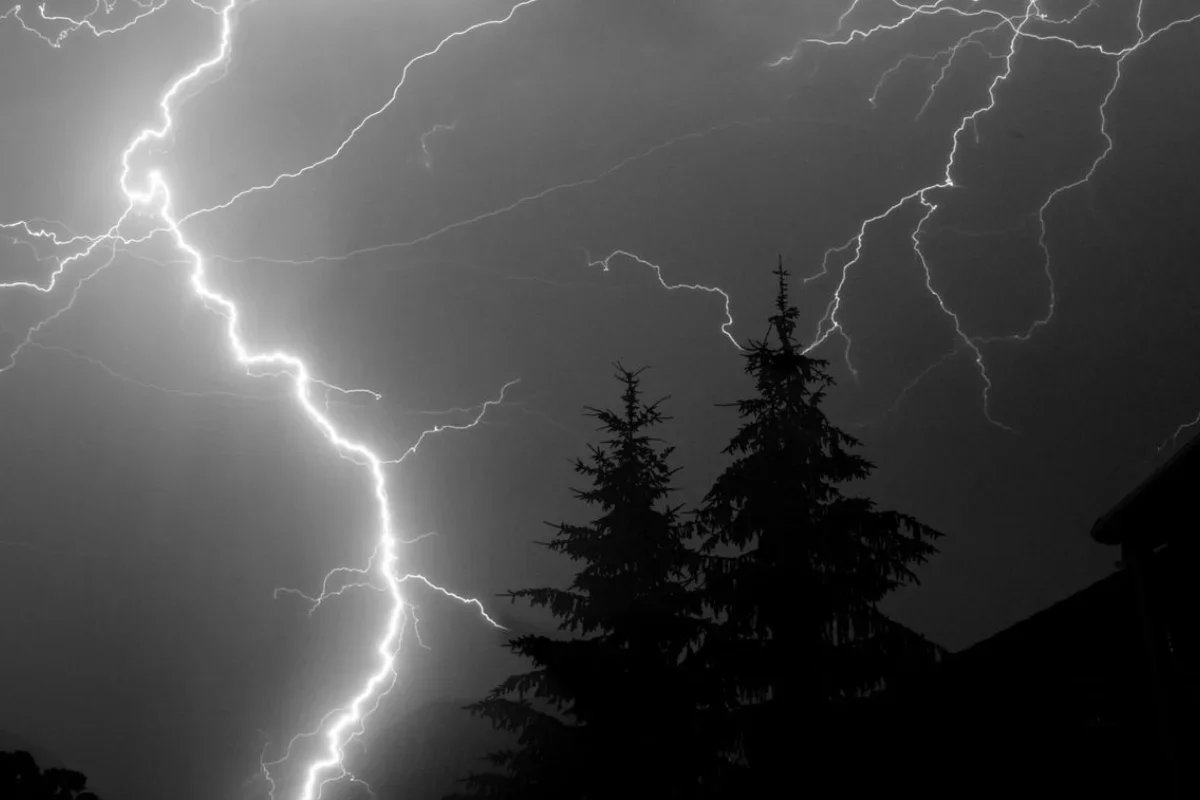
It is a story heard in homes and offices across Uganda: the power goes off, comes back with a flicker and a bang, and the television, router, decoder or computer never switches on again. During the rainy seasons, thunderstorms add another danger, and Uganda, particularly the region around Lake Victoria, experiences some of the highest lightning activity in the world. Replacing burnt electronics is expensive and disruptive, especially when the damaged item is a business's router, POS computer or CCTV recorder. The encouraging news is that protecting your equipment is relatively affordable once you understand how surges happen and which protection to use. This guide explains it in practical terms.
What is a power surge?
Normal mains electricity in Uganda is around 240 volts. A power surge, sometimes called a spike, is a sudden, short increase in voltage above that level. Even though it may last only a fraction of a second, it can overwhelm the delicate power supplies and circuit boards inside electronic devices. Large surges cause instant damage; smaller, repeated surges gradually weaken components until they fail, which is why some devices seem to die "for no reason" after a few months.
Common causes of surges
Power restoration after an outage. When electricity returns, especially after load shedding or a fault, the supply can fluctuate and spike as the network stabilises and many appliances start at once. Lightning strikes on or near power lines, telephone lines, satellite dishes, antennas or buildings can send massive surges through cables. Faulty wiring, including loose or broken neutral connections, can cause dangerously high voltage in parts of a building. Heavy equipment such as welding machines, water pumps, lifts and large motors switching on and off nearby can disturb the supply.
Layer 1: Plug-in surge protectors
A surge-protected extension cable or socket adaptor contains components that absorb voltage spikes before they reach your devices. It is the first and most affordable line of defence for computers, televisions, routers and chargers. When buying one:
- Check the joule rating, which indicates how much energy it can absorb. Higher is better; look for several hundred joules or more for valuable equipment.
- Choose models with an indicator light showing that protection is active. Surge protectors wear out after absorbing big surges and must then be replaced.
- Be wary of cheap extension cables labelled "surge" with no ratings or certification.
- Where possible, choose protectors that also protect network (RJ45) or coaxial cables. Surges travel through internet cables and satellite dish cables too, which is how many routers and decoders are damaged during storms.
Layer 2: Voltage guards and voltage regulators
Voltage guards, also called voltage protectors, sit between the socket and an appliance. They disconnect the appliance when voltage goes too high or too low, and when power returns they wait a few minutes before reconnecting, allowing the supply to stabilise. They are particularly valuable for fridges, freezers, air conditioners and televisions, whose compressors and power supplies are vulnerable to unstable power. AVRs (automatic voltage regulators) and stabilisers go further by continuously correcting voltage fluctuations. For computers, a line-interactive UPS combines voltage regulation, surge protection and battery backup in one device.
Layer 3: Whole-building surge protection
A qualified electrician can install a surge protection device (SPD) at your main distribution board. This protects every circuit in the building from larger surges entering through the power supply, complementing plug-in protectors at individual devices. Layered protection, with an SPD at the board and protectors at sensitive equipment, is strongly recommended for offices, schools, clinics, server rooms and homes with expensive electronics.
Layer 4: Proper earthing and lightning protection
Surge protectors divert excess energy to earth, so they only work properly if the building has a good earth connection. Many older buildings have poor or missing earthing. Ask a qualified electrician to test your earth and correct it if needed. Buildings in high-risk areas, particularly schools, churches, tall buildings and isolated structures on hills, should have a professionally designed lightning protection system with air terminals (lightning rods), down conductors and earth electrodes installed to recognised standards. Network cabinets, satellite dishes and outdoor antennas should also be earthed.
Good habits that save devices
- Unplug sensitive electronics during heavy thunderstorms, including TVs, computers and routers, if you are not using them.
- Switch off at the socket when power goes off, then wait a few minutes after it returns before switching appliances back on, so you avoid the initial fluctuations.
- Disconnect satellite dish cables and external network cables from TVs and routers during storms, as these are common entry points for lightning surges.
- Do not overload extension cables or daisy-chain multiple extensions together.
- Report problems such as flickering lights, unusually high or low voltage, buzzing sockets or burning smells to an electrician and your electricity distributor promptly.
Protecting your internet equipment
Routers, fibre terminals and network switches are among the most frequently damaged devices. Power your router through a mini DC UPS or a surge-protected socket. Use fibre optic cable rather than copper for links between buildings, because fibre does not conduct electricity. Ensure outdoor wireless antennas and dishes are properly earthed and fitted with surge arrestors.
Protect your data as well as your hardware
Hardware can be replaced, but data often cannot. Back up important files to the cloud regularly, so a burnt computer does not mean lost records. For businesses, host your website, email and key systems in a professional data centre with redundant power and protection, rather than on an office computer that depends on local power. Baasa Cloud's hosting runs on infrastructure designed to stay online through power problems.
Frequently asked questions
Does a UPS protect against surges?
Most UPS units include surge protection, but a direct or very close lightning strike can overwhelm any consumer device.
How often should I replace surge protectors?
After any major surge, when the protection indicator goes out, and generally every few years.
Will my warranty cover surge damage?
Many manufacturer warranties exclude damage from power surges and lightning, which is another reason to protect your equipment.


