
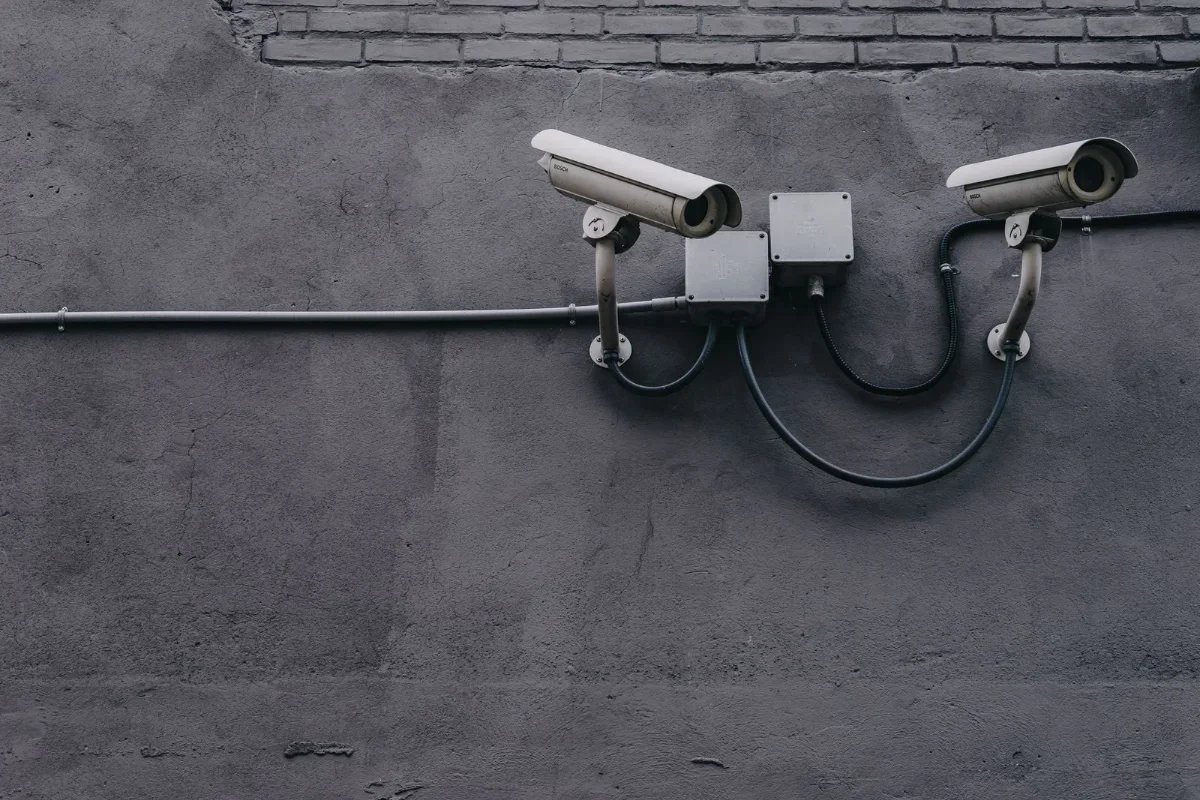
CCTV cameras have become a normal part of security in Ugandan homes, shops, supermarkets, schools, hotels, clinics, warehouses and offices. A good system deters theft, helps identify intruders, resolves disputes with customers or staff, and lets you check on your property from your phone wherever you are. A poorly planned system, however, produces blurry footage of the wrong places, goes dark during power cuts and gives a false sense of security. Many people only discover their system's weaknesses after an incident, when the footage turns out to be useless. This guide explains how to plan a CCTV system that actually works when you need it.
Step 1: Decide what you need to see
Start by walking around your property and listing the areas that matter most. For homes, this usually means gates, entrances, the compound, parking areas, back doors and perimeter walls. For shops and businesses, add cash points and counters, stores and stock rooms, loading areas, corridors and offices containing valuables or records. Schools and hotels may also need coverage of corridors, dormitory entrances and reception.
For each location, decide what you need the footage to achieve. There is a big difference between observing activity, such as seeing that someone entered the compound, and identifying a person's face or a vehicle's number plate clearly enough to use as evidence. Identification requires cameras placed closer to the subject, with narrower lenses or higher resolution. This single decision affects the number, type and position of cameras more than anything else.
Step 2: Choose the camera technology
Analogue HD cameras with a DVR
These use coaxial cable to connect cameras to a digital video recorder (DVR). They are generally cheaper and simple to install, and they are useful when upgrading an older system that already has coaxial cabling in place.
IP cameras with an NVR
IP cameras send digital video over network cables to a network video recorder (NVR). Using PoE (Power over Ethernet), one cable carries both power and video, simplifying installation. IP cameras usually offer better image quality, smarter features such as person and vehicle detection, and easier expansion. For most new installations in homes and businesses, IP systems are the better long-term choice.
Wi-Fi cameras
Standalone Wi-Fi cameras are easy to set up yourself and suit small homes, apartments or small shops. They depend on good Wi-Fi coverage and usually record to an SD card or cloud service. For serious security across a larger property, wired cameras are more reliable, because Wi-Fi can be weak, congested or jammed.
Step 3: Choose the right features
Resolution: 2MP (1080p) is the practical minimum today, 4MP offers a good balance of detail and storage, and 8MP (4K) helps cover wide areas such as compounds and car parks. Night vision: infrared cameras produce black-and-white images in darkness, while "full colour" night cameras use sensitive sensors and soft white lights to show colour at night, which can help identify clothing and vehicles. Lens: wide-angle lenses (around 2.8mm) cover rooms and shops, narrower lenses (6mm and above) are better for gates and long corridors, and varifocal lenses let the installer adjust the view. Weatherproofing: outdoor cameras need IP66 or IP67 ratings to withstand heavy rain and dust. Smart detection: human and vehicle detection reduces false alerts caused by animals, moving trees and changing light. Audio: useful at counters to capture disputes, but consider privacy expectations.
Well-known brands in Uganda include Hikvision, Dahua and their sub-brands, among others. Buy from reputable suppliers who provide genuine products, warranty and support.
Step 4: Plan storage
Recordings are stored on hard drives inside the DVR or NVR. How much storage you need depends on the number of cameras, resolution, compression and how many days of footage you want to keep. As a rough guide, a 4MP camera recording continuously with modern compression may use roughly 20 to 40 GB per day. Use surveillance-grade hard drives, such as WD Purple or Seagate SkyHawk, which are built for continuous 24-hour recording; ordinary desktop drives fail much sooner. Aim to keep at least 14 to 30 days of footage, because incidents such as stock theft are often discovered days or weeks later.
Step 5: Plan backup power
This is the most commonly neglected part of CCTV planning in Uganda, and it matters enormously. Thieves often strike during power cuts, precisely when an unprotected system goes dark. Put the recorder, PoE switch and internet router on a UPS, and for longer outages connect them to an inverter or solar backup system. Add surge protection to protect cameras and recorders from damage when power returns and during lightning storms.
Step 6: Placement tips
- Mount cameras high enough to prevent tampering, but not so high that you only see the tops of people's heads.
- Avoid pointing cameras directly at bright light, the sun or a bright doorway, which turns people into dark silhouettes.
- Position a camera inside entrances facing people as they walk in, to capture clear faces.
- Hide or lock the recorder in a secure place so intruders cannot simply take the recordings with them.
- Run outdoor cables through conduits to protect them from weather and cutting.
Step 7: Remote viewing
Most modern systems let you watch live and recorded footage on your phone through manufacturer apps. See our guide on how to view CCTV cameras on your phone.
Security and privacy
Change default passwords on cameras and recorders, and update firmware regularly, because poorly secured CCTV systems are frequently hacked. Do not point cameras into neighbours' homes or private areas such as washrooms. Display visible signs that CCTV is in operation, which is good practice under Uganda's Data Protection and Privacy Act and also acts as a deterrent. Limit who can view and export recordings.
Frequently asked questions
How many cameras does a small shop need?
Typically two to four: the entrance, the counter, the shop floor and the stock room.
Can CCTV work without internet?
Yes. Cameras record locally to the recorder. Internet is only needed for remote viewing and alerts.
Should I install CCTV myself?
Wi-Fi cameras are easy to install yourself. For wired systems, a professional installer ensures proper cabling, power and configuration.


