
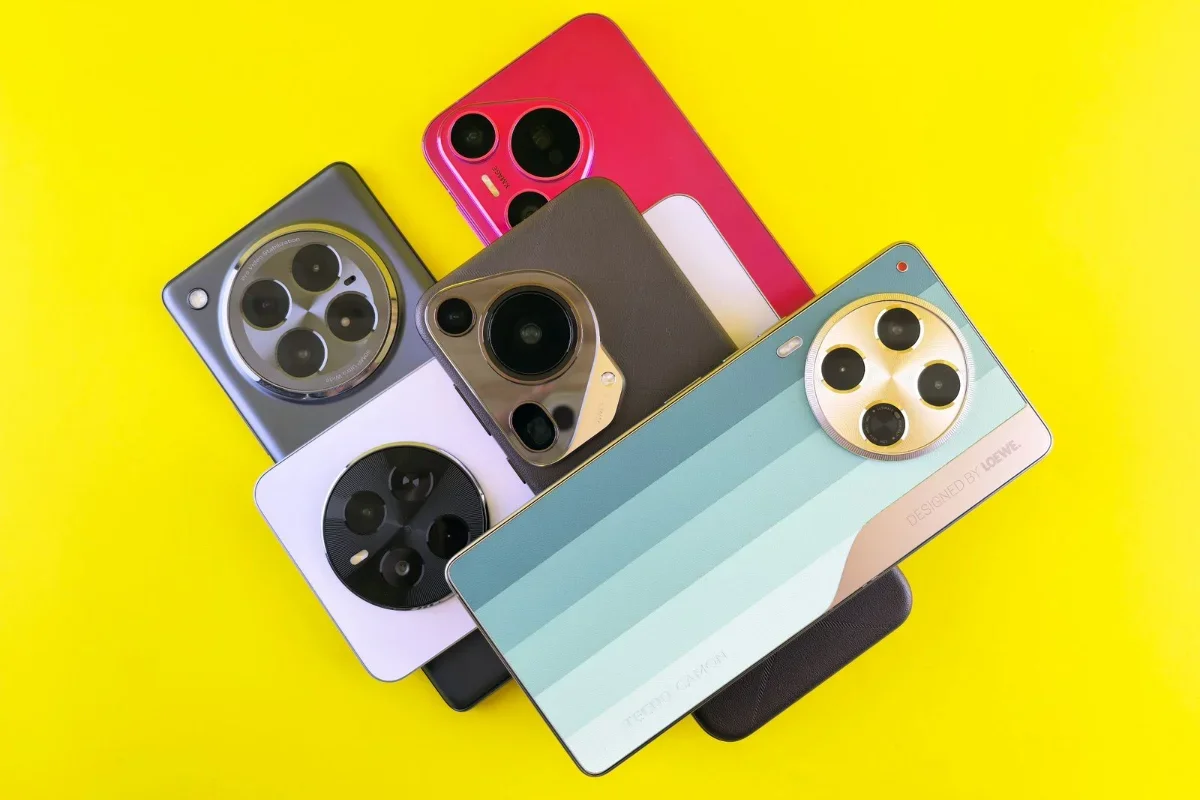
Counterfeit smartphones have become remarkably convincing. Some copies of iPhones and Samsung Galaxy phones look almost identical to the real thing in a sealed box, with matching colours, logos and even similar packaging. The problems only appear days or weeks later: weak network reception, sluggish performance, cameras that produce poor pictures, batteries that drain or swell, apps that refuse to install and no software updates. By then, the seller may be impossible to find. Alongside outright fakes, the market also includes genuine phones that have been heavily repaired with cheap parts and sold as brand new. Whether you are buying from a shop downtown, an online marketplace, a WhatsApp seller or a friend, the checks in this guide will help you avoid being cheated.
Why fake phones are a serious problem
Beyond losing money, counterfeit phones bring several risks. They break down quickly and have no genuine manufacturer warranty or service support. Many carry hidden malware or aggressive adware that can steal data or display constant adverts, which is dangerous if you use Mobile Money or banking apps. Their network radios and cameras are usually far worse than advertised. Regulators, including the Uganda Communications Commission, have run campaigns against counterfeit devices, and such phones may be blocked from networks. Most worrying, the batteries in counterfeits are often poorly made and can overheat or swell, creating a safety hazard.
1. Check the IMEI in every place
Dial *#06# to display the phone's IMEI, then compare it with the number in the phone's settings and on the box sticker. All should match. Next, enter the IMEI into a free online checker such as imei.info. If the brand or model returned does not match what you are being sold, the phone is not genuine, or its parts have been replaced. Our detailed IMEI checking guide explains this step by step and also covers stolen phones.
2. Examine the software closely
Many fakes run a modified version of Android, skinned to look like Apple's iOS or Samsung's One UI. Spend a few minutes exploring. Warning signs include an "iPhone" that has the Google Play Store or Android-style settings menus, a voice assistant such as Siri or Bixby that does not work, an App Store that will not let you sign in with an Apple ID, strange pre-installed apps you have never heard of, and spelling or grammar mistakes in menus. On a genuine iPhone, Settings, General, About should show a model and serial number that you can verify with Apple.
3. Check the real specifications
On Android phones, install a well-known information app such as CPU-Z or AIDA64 from the Play Store. These read the actual hardware, showing the real processor, RAM and storage. Counterfeits frequently claim to have 12 GB of RAM and 512 GB of storage but actually contain a fraction of that, with software modified to display fake numbers in the settings. If a "Galaxy S" phone shows an unknown budget processor and 2 GB of RAM, it is a clone.
4. Test every camera
Flagship phones are known for their camera systems, so counterfeiters often add extra lenses that are purely decorative. Open the camera app and switch between all modes, such as ultra-wide, telephoto zoom and portrait, checking that the image genuinely changes. Take photos in dim indoor light and compare them with sample photos from reviews of the real model. Poor low-light photos and fake zoom are strong signs of a counterfeit.
5. Feel the build quality
Genuine premium phones use metal frames and glass backs with tight, even gaps between parts. Counterfeits often feel lighter, hollow or creaky, with uneven buttons, rough edges or plastic where metal should be. Compare logo placement, fonts and the position of ports and buttons with official product photos on the manufacturer's website.
6. Inspect the box and accessories
Look for blurry printing, spelling mistakes, poor-quality plastic wrapping and cheap cables. Remember that many recent phones, including iPhones, no longer include a charger in the box; a box containing a charger for a model that should not have one can be a warning sign. Chargers without certification markings or with misspelled brand names are another clue.
7. Verify the serial number with the manufacturer
Apple's "Check Coverage" page confirms the model, purchase status and warranty for an iPhone's serial number. Samsung's Members app and support website offer similar checks for Galaxy devices. A genuine phone appears with the correct model; a fake often does not appear at all.
8. Try a software update
Go to the phone's settings and check for updates. Genuine phones receive official updates from the manufacturer. Many fakes either cannot update, show a fake "already up to date" screen, or fail during the process.
9. Watch out for "refurbished sold as new"
Not every problem phone is counterfeit. Some are genuine devices that have been repaired with non-original screens, batteries or cameras and then repackaged as brand new. On iPhones, Settings, General, About may show a "Parts and Service History" section revealing replaced parts. Check battery health too: a genuinely new phone should show close to 100 percent maximum capacity. Unusually high battery wear on a "new" phone is a red flag.
10. Buy from accountable sellers
The best protection is buying from authorised dealers, network operator shops or established retailers with physical premises and a reputation to protect. Always get a receipt with the IMEI written on it, ask for warranty terms in writing, and be very cautious of prices far below the market. If an offer seems too good to be true, it usually is.
Frequently asked questions
Are phones imported from Dubai or China always fake?
No. Many genuine phones are imported through various channels. What matters is verifying the IMEI, serial number and software, not the country of origin.
Can a fake phone harm my accounts?
Yes. Some counterfeits contain spyware or adware. Avoid logging into Mobile Money or banking apps on a phone you suspect is fake.
What should I do if I already bought a fake?
Return to the seller immediately with your receipt. If they refuse to refund or replace it, report the matter to the police and relevant consumer protection authorities.


