
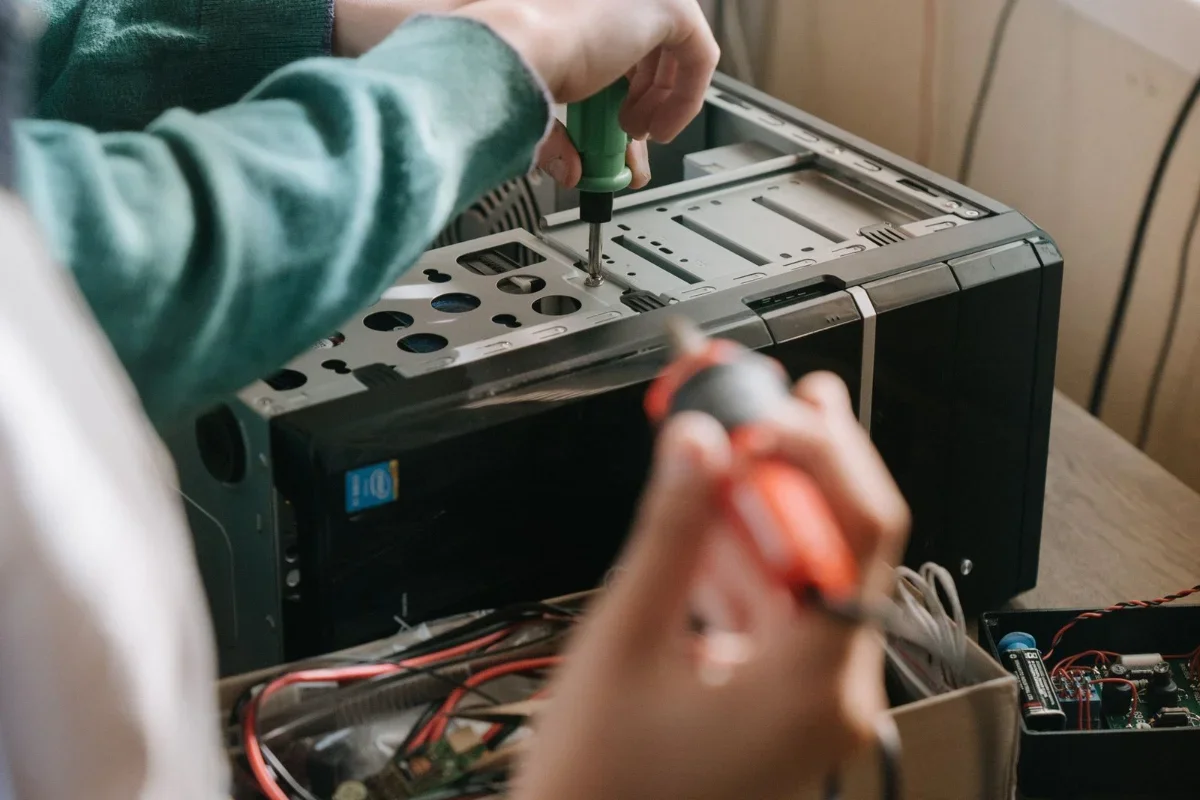
Computers have become essential tools for students, offices, banks, schools, shops and freelancers across Uganda, and every one of them eventually needs repair. Screens crack, keyboards stop working, batteries die, hard drives fail, chargers burn out and operating systems get corrupted. Many people would rather repair a laptop than spend millions of shillings on a new one, especially given the popularity of ex-UK and second-hand machines. This makes computer repair a practical, relatively low-capital business for technically minded Ugandans. But many repair shops struggle because of poor quality, fake parts and lack of trust. Those that succeed treat repair as a professional service. This guide covers how to start and run a computer repair business well.
Step 1: Build real technical skills
Your reputation depends on your ability to diagnose and fix problems correctly. Key skill areas include: hardware diagnosis to identify failing RAM, storage, power circuits or displays; component replacement such as screens, keyboards, batteries, hinges, fans, charging ports and storage drives; software troubleshooting, including operating system installation, driver problems and malware removal; data recovery basics for failed drives and accidental deletion; upgrades such as replacing hard drives with SSDs and adding RAM, which are among the most popular services; and, at a more advanced level, board-level repair involving soldering and replacing components on motherboards. Learn through vocational training, apprenticeship under an experienced technician, online tutorials and practice on old machines. Board-level skills take longer to master but command higher prices.
Step 2: Get the right tools
A basic toolkit includes precision screwdriver sets, plastic opening tools and spudgers, anti-static wrist straps and mats, a multimeter, thermal paste and cleaning supplies, USB drives with diagnostic and installation tools, external drive enclosures and adapters, and a good light and magnifier. For advanced work, you will need a soldering station, hot air rework station, microscope and bench power supply. Invest in quality tools gradually; cheap tools damage delicate parts.
Step 3: Choose a location and setup
Good locations include busy commercial areas, near universities, colleges and office districts, or inside shopping arcades where computer shops cluster. You can also start from home and offer pickup and delivery or on-site repairs for offices, reducing rent costs. Your workspace should be clean, well lit, secure and organised, with a labelled storage system so customers' devices and parts never get mixed up.
Step 4: Register your business and set up systems
Register with URSB, get a TIN and the necessary trading licence. Keep a job card system, whether paper or digital, recording each device's details, serial number, fault reported, condition on arrival, accessories received, customer contacts, quoted price and status. This prevents disputes and builds trust. A simple POS or job tracking system helps manage repairs, parts inventory and payments; see our POS system for retail and service businesses.
Step 5: Source parts wisely
Parts quality makes or breaks your reputation. Build relationships with reliable suppliers in Kampala, and consider importing from reputable online suppliers for parts that are hard to find locally. Be honest with customers about the difference between original, high-quality replacement and cheap parts, and let them choose with clear pricing. Test parts before installing and keep records of suppliers so you can claim warranties on faulty parts.
Step 6: Price your services fairly
Charge a diagnosis fee, which can be deducted from the repair cost if the customer proceeds. Quote parts and labour separately, and always get customer approval before starting work. Research what competitors charge, but compete on quality, honesty and warranty rather than being the cheapest. Offer a warranty on repairs, for example 30 to 90 days, which signals confidence and builds trust.
Step 7: Build trust and attract customers
Trust is the biggest issue in the repair business, because customers fear parts being swapped or data being stolen. Address this by explaining faults clearly, returning replaced parts to customers when appropriate, respecting privacy by never browsing customers' files, and offering to back up data before repairs. Market your business by setting up a Google Business Profile so people searching "laptop repair near me" find you, encouraging satisfied customers to leave reviews, sharing before-and-after repair content on social media and WhatsApp status, and partnering with schools, offices and computer sellers. A simple website with your services and location builds credibility; see our web design services.
Step 8: Expand your services
As you grow, add services such as selling refurbished laptops, accessories and SSD upgrades, office maintenance contracts, CCTV and network installation, data recovery and phone repair. Corporate maintenance contracts provide steady monthly income. See also starting an IT support business.
Frequently asked questions
How much capital do I need to start?
You can start with basic tools and a small stock of common parts, then expand as income grows. Board-level equipment requires more investment.
What are the most profitable repairs?
SSD and RAM upgrades, screen and keyboard replacements, battery replacements and board-level repairs tend to be the most profitable.


