
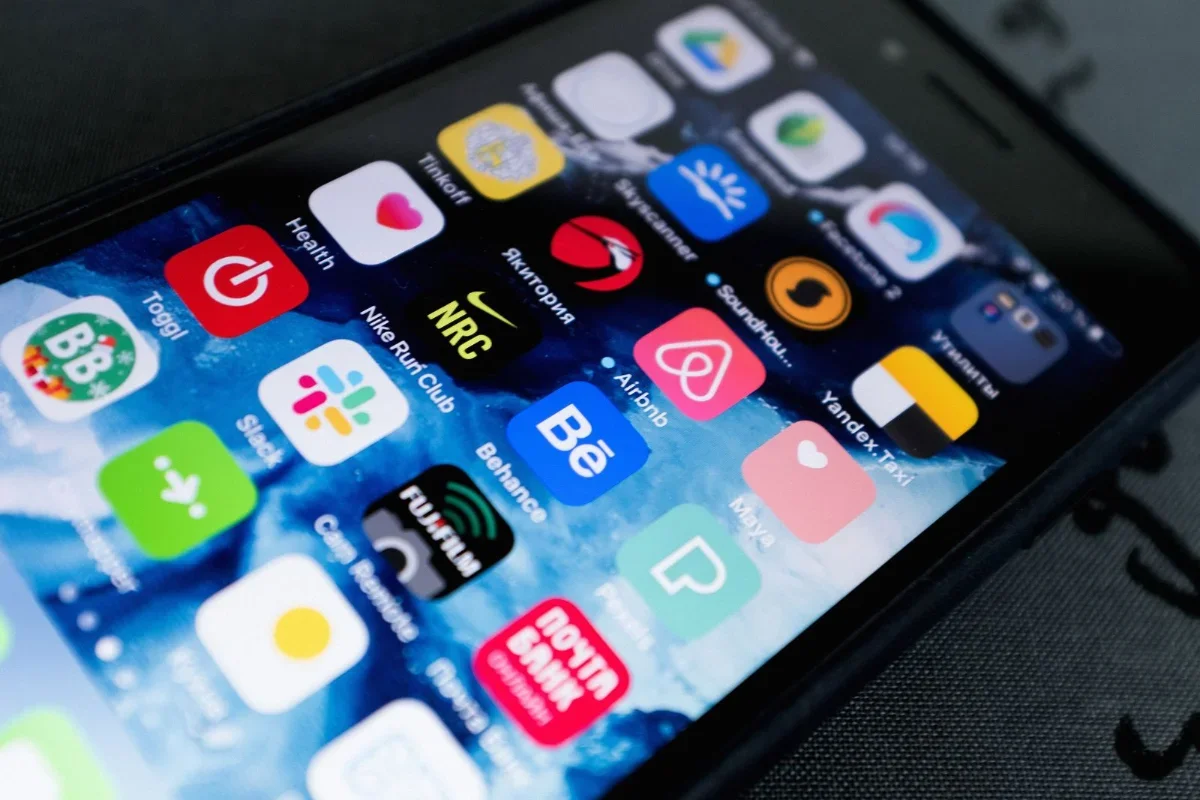
Many Ugandan business owners eventually ask: "Should we build an app?" Customers seem to live on their phones, competitors are launching apps, and an app feels like a sign of modernity. But building and maintaining native mobile apps for Android and iPhone can be expensive, and many apps are downloaded once and then forgotten or deleted to free up storage. There is an alternative that has matured significantly: the progressive web app (PWA). PWAs are websites that behave like apps. This guide compares PWAs and native apps in plain terms to help you decide which suits your business.
What is a native app?
A native app is built specifically for a mobile operating system, mainly Android or iOS, and distributed through the Google Play Store or Apple App Store. Users download and install it. Native apps can fully access device features such as the camera, GPS, Bluetooth, biometrics and background processes, and typically deliver the smoothest performance. Examples include mobile banking apps, ride-hailing apps and games.
What is a progressive web app?
A PWA is a website built with modern web technologies that provides an app-like experience. Users open it in their browser, and they can "install" it to their home screen with an icon, without going through an app store. PWAs can work offline or on poor connections by caching content, send push notifications on supported devices, load quickly and feel like apps, with full-screen views and smooth navigation. Major companies have used PWAs to reach users in markets with slow networks and low-end devices, because PWAs are lightweight.
Comparing PWAs and native apps
Cost and development time
A PWA uses one codebase that works across Android, iPhone and desktop browsers, so development is usually faster and cheaper. Native apps often require separate development for Android and iOS, or cross-platform frameworks like Flutter or React Native, plus app store processes. Maintenance costs follow the same pattern.
Reach and discoverability
PWAs are discoverable through Google search and can be shared with a simple link via WhatsApp or SMS; there is no download barrier. Native apps benefit from app store presence and the trust that comes with it, but users must find and install them, which many are reluctant to do, especially with limited phone storage.
Storage and data usage
PWAs are typically tiny compared to native apps, which can be tens or hundreds of megabytes. In Uganda, where many people use phones with limited storage and pay for data carefully, this matters. Users frequently delete apps to make room for photos and WhatsApp media.
Performance and features
Native apps have the edge for demanding features: heavy graphics, complex animations, background location tracking, Bluetooth device connections and deep integration with phone hardware. PWAs can access many features, including camera, location and notifications, but support varies, particularly on iPhones, where Apple has historically limited some PWA capabilities.
Updates
PWAs update instantly when you update the website; every user always has the latest version. Native apps require users to install updates, and many run outdated versions.
Offline use
Both can work offline if designed well. Native apps generally handle complex offline functionality more robustly, but PWAs can cache key pages and data for offline use effectively.
When a PWA is the better choice
Choose a PWA if you want broad reach with limited budget, your service is mainly content, ordering, booking, customer portals or dashboards, your users have mixed devices and limited storage, you want customers to find you through Google search, or you want to test an idea before investing in native apps. Examples include restaurant ordering, school parent portals, SACCO member portals, e-commerce stores and booking systems.
When a native app is the better choice
Choose native if you need intensive device features, such as real-time GPS tracking for delivery riders, Bluetooth integration with devices, heavy offline data processing or high-performance graphics; if app store presence is crucial for credibility in your sector; or if your users engage daily and expect a polished native experience, as with banking or ride-hailing.
Consider your actual goal
Before deciding, define what you want to achieve. Many businesses that think they need an app actually need a fast, mobile-friendly website with WhatsApp integration and mobile money payments. Others need an internal system for staff rather than a customer-facing app. See also how to build a mobile app for your business.
How we can help
Our web design and development team builds responsive websites, PWAs and custom systems, and advises honestly on whether a native app is worth the investment.
Frequently asked questions
Can a PWA be listed on the Google Play Store?
Yes. PWAs can be packaged for the Play Store using tools such as Trusted Web Activities.
Do PWAs work on iPhones?
Yes, though some features like notifications have more limitations than on Android.


