
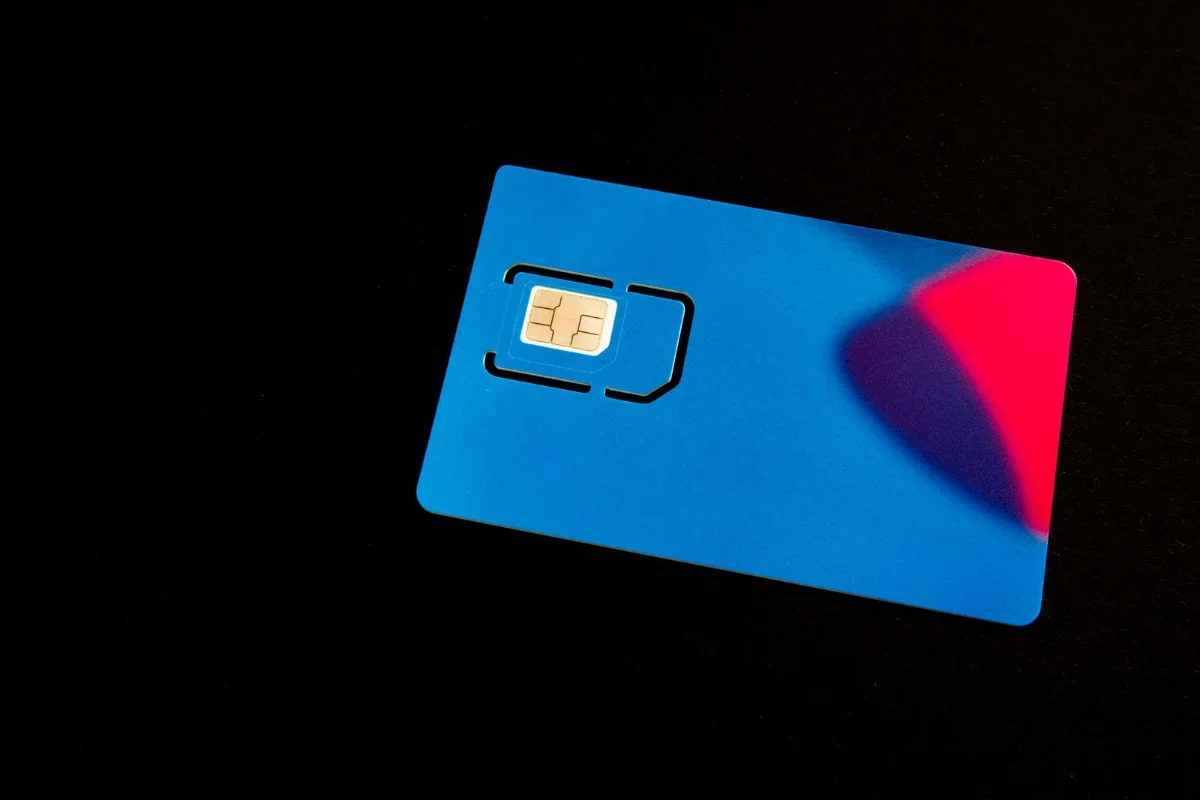
For decades, getting a mobile line meant buying a small plastic SIM card and inserting it into your phone. Many newer smartphones now support a different approach: the eSIM, or embedded SIM. Instead of a physical card, the SIM is built into the phone and activated digitally. eSIM technology is growing worldwide, and some recent iPhone models sold in certain markets no longer have a physical SIM tray at all. Ugandans buying new phones, travelling abroad, or receiving phones from relatives in the diaspora are increasingly encountering eSIMs. This guide explains how eSIM works, what you need to know in Uganda and whether switching makes sense for you.
What is an eSIM?
An eSIM is a small chip permanently built into your phone's hardware that can store mobile network profiles. Instead of inserting a card, you download your mobile operator's profile, usually by scanning a QR code or through an app or settings menu. The eSIM then works like a normal SIM: you make calls, send SMS, use mobile data and mobile money, depending on the operator's support. Many eSIM phones can store several profiles and switch between them, and many support using a physical SIM and an eSIM simultaneously, giving dual-SIM functionality.
Which phones support eSIM?
eSIM support is common in recent flagship and many mid-range phones, including iPhones from the XS and XR models onward, Google Pixel phones from recent generations, and many Samsung Galaxy S, Z and some A series models. However, support depends on the exact model and the region where the phone was made; some versions of the same phone sold in certain countries have eSIM disabled. Phones bought abroad, such as US-model iPhones, may be eSIM-only. To check, look in your phone's settings for "Add eSIM" or "Add mobile plan", or dial *#06# to see whether an EID number appears alongside the IMEI. Most budget phones popular in Uganda do not yet support eSIM.
eSIM availability from Ugandan networks
Major Ugandan operators have introduced eSIM services for compatible phones, though availability and procedures change, so check directly with your network's service centre or official channels. Getting an eSIM generally involves visiting a service centre or using the operator's official process, verifying your identity with your National ID or passport, since SIM registration rules apply equally to eSIMs, and receiving a QR code or activation details to download the profile. You can usually convert your existing number from a physical SIM to an eSIM. Ensure your registration details match your NIRA records; see checking your National ID details.
Advantages of eSIM
No physical card to lose or damage. Security: thieves cannot simply remove the SIM to stop you tracking a stolen phone, and SIM swap fraud via a stolen card is harder. Dual lines: combine a physical SIM and eSIM, for example MTN and Airtel, or personal and work numbers. Travel convenience: buy a travel eSIM data plan online before arriving in another country, avoiding expensive roaming and SIM shopping at airports. Visitors to Uganda can likewise use international eSIM providers that cover Uganda, or get a local eSIM. Instant activation in some cases.
Disadvantages and cautions
Limited phone support among budget handsets. Switching phones requires transferring the eSIM, which may need the operator's help or an online process, rather than simply moving a card. If your phone breaks or is stolen, you need to visit the operator to get your eSIM onto a new device. Factory resets may delete eSIM profiles; check before resetting, and never delete an eSIM profile casually. Not all services may be supported on every eSIM product, so confirm mobile money and other services work. Locked phones from foreign carriers may not accept Ugandan eSIMs; see buying phones safely.
Travel eSIMs
Many Ugandans travelling for business, studies or visits use travel eSIM providers that sell data packages for specific countries or regions. Install the eSIM before departure while on reliable Wi-Fi, keep your Ugandan line active for receiving SMS such as bank and mobile money codes, and set data to use the travel eSIM. Check reviews and coverage before buying.
Security tips
Protect your phone with a strong lock screen and PIN. Set a SIM PIN where supported. Be wary of anyone asking for your eSIM QR code, which can be used to install your line on another device. Treat it like a SIM card. Report lost phones to your operator immediately.
Frequently asked questions
Can I use WhatsApp with an eSIM?
Yes. WhatsApp works with your number regardless of whether it is on a physical SIM or eSIM.
Can I use one eSIM in two phones?
No. An eSIM profile is active on one device at a time.


