
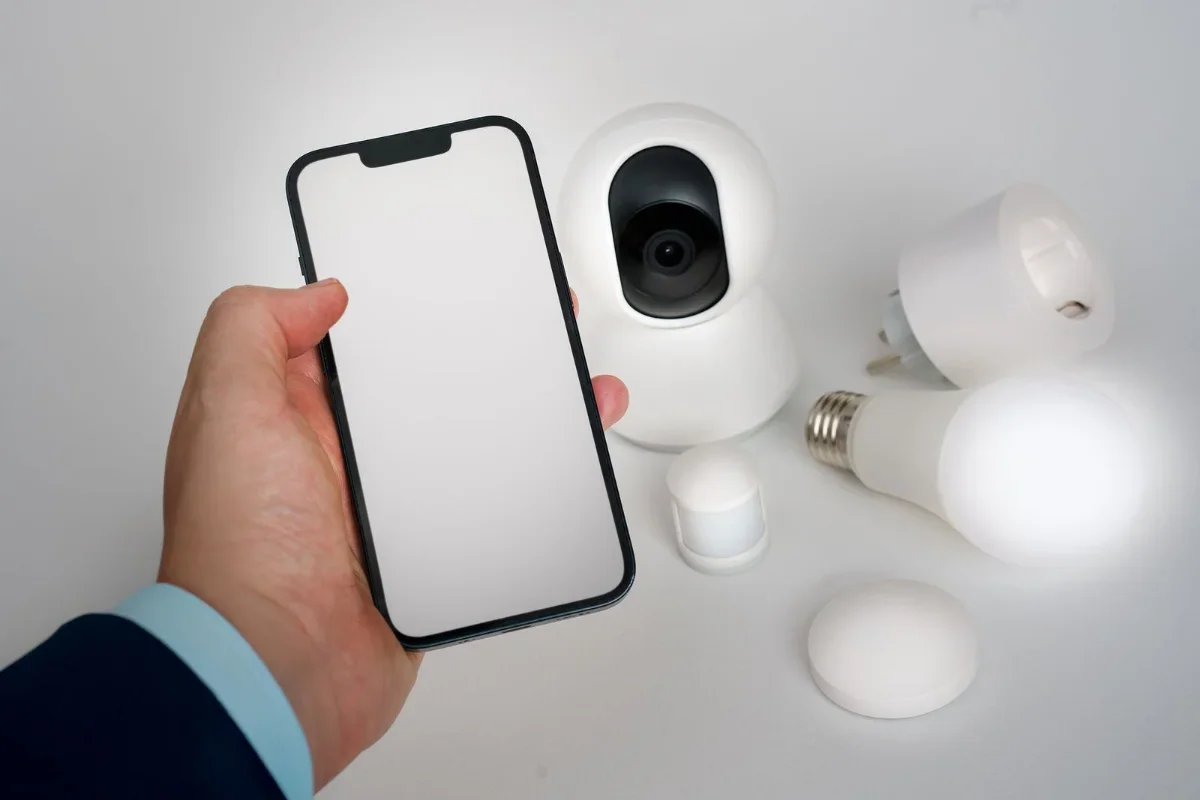
Smart home technology, devices you can control from your phone or by voice, has moved from science fiction to shop shelves in Kampala. Wi-Fi security cameras, smart bulbs, smart plugs, video doorbells and smart locks are increasingly available through electronics shops and online stores. For Ugandan homeowners, these devices can improve security, convenience and energy management. But the local environment, with power cuts, variable internet connectivity and counterfeit products, means not every smart device works as advertised. This guide explains which devices are practical in Uganda, what to consider before buying, and how to set them up securely.
How smart home devices work
Most smart home devices connect to your home Wi-Fi and are controlled through a smartphone app, often the manufacturer's own app or ecosystems like Google Home, Amazon Alexa, Apple Home or Tuya/Smart Life, which many affordable brands use. Some devices connect through hubs using protocols such as Zigbee, which use less power and can continue working locally when the internet is down. A newer standard called Matter aims to make devices from different brands work together more easily.
Practical smart devices for Ugandan homes
Wi-Fi security cameras
The most popular smart device in Uganda. Indoor and outdoor cameras let you check your home, compound, gate or shop remotely, receive motion alerts and record footage to memory cards or the cloud. They complement traditional CCTV systems; see setting up CCTV and viewing cameras on your phone.
Smart plugs
Smart plugs turn ordinary appliances into remotely controllable devices. Schedule water heaters, security lights or fans, switch off forgotten appliances from your phone, and monitor energy usage on some models. Check that the plug matches Uganda's UK-style three-pin sockets and the appliance's power rating.
Smart lighting
Smart bulbs and switches can be scheduled or controlled remotely, useful for making a home appear occupied when you are away, or for automating security lighting at night.
Video doorbells and gate intercoms
See and talk to visitors at your gate from your phone, even when you are away. Useful for receiving deliveries and screening visitors.
Smart locks
Keypad, fingerprint or app-controlled locks remove the need for keys and allow temporary access codes for workers. Choose models with mechanical key backup and long battery life.
Sensors and alarms
Door and window sensors, motion detectors, smoke detectors and water leak sensors send alerts to your phone. Gas leak detectors add safety in kitchens using LPG.
Energy and water monitoring
Monitors for solar systems, inverters and water tanks show battery levels and usage remotely. See IoT applications.
Planning for power cuts
Smart devices stop working when power goes off, and many lose connection until the router comes back. Put your router, cameras and key devices on a UPS or inverter so security monitoring continues during outages; see choosing a UPS and load shedding tips. Choose devices that remember settings after power returns, and use surge protection to protect electronics; see protecting electronics from surges.
Planning for internet outages
Cloud-dependent devices may stop responding when internet is down. Cameras with local SD card recording continue recording during outages. Hubs that support local control keep automations running. A reliable home internet connection is essential; see how ISPs work in Uganda.
Strong Wi-Fi coverage
Smart devices need good Wi-Fi throughout the home and compound. Large houses with thick walls may need mesh Wi-Fi systems or access points; see extending Wi-Fi coverage.
Security and privacy
Smart devices can be hacked if poorly secured. Buy from reputable brands and sellers, avoiding counterfeit products. Change default passwords, use strong unique passwords and enable two-factor authentication on apps. Keep firmware updated. Consider placing smart devices on a separate guest Wi-Fi network. Position indoor cameras thoughtfully to respect privacy of family members and workers, and inform household staff about cameras.
How to start
Start with one or two devices that solve real problems, such as a camera covering your gate or smart plugs for security lighting, then expand within the same ecosystem so everything works in one app.
Frequently asked questions
Do smart devices use a lot of data?
Most use little, but cameras streaming or uploading video to the cloud can use significant data.
Can I control devices when I am abroad?
Yes, as long as your home internet and power are on.


